Place
Work
- Where
- Your workplace
- Hours
- Any time you're there
Blocked here
- Social
- Short videos
- News
Do this instead
Write down your next small step instead.
Descroll for working students
Tap Block now in the break room and feeds wait until your break is over. A Place at work keeps them blocked through your shift.
Sound familiar?
Your break is 20 minutes, and a feed takes 19 of them.
You bring your notes to work and never open them.
After a long shift, starting anything feels like one more task.
The pull comes in the same places and at the same hours. Decide once, and Descroll keeps that decision for you.
Try this setup
Pick the Work template, find your workplace on the map and choose the apps. On a break anywhere else, tap Block now.
Descroll+Set hours like weekdays, 9 AM to 5 PM, with Descroll+. Any time you're there is free.
Templates set the zone size, hours and what to do instead. You choose the apps.
Place
Blocked here
Do this instead
Write down your next small step instead.
What helps
Tap it when your break starts and pick a length. Apps come back when it ends.
Personal apps block at work and come back when you leave.
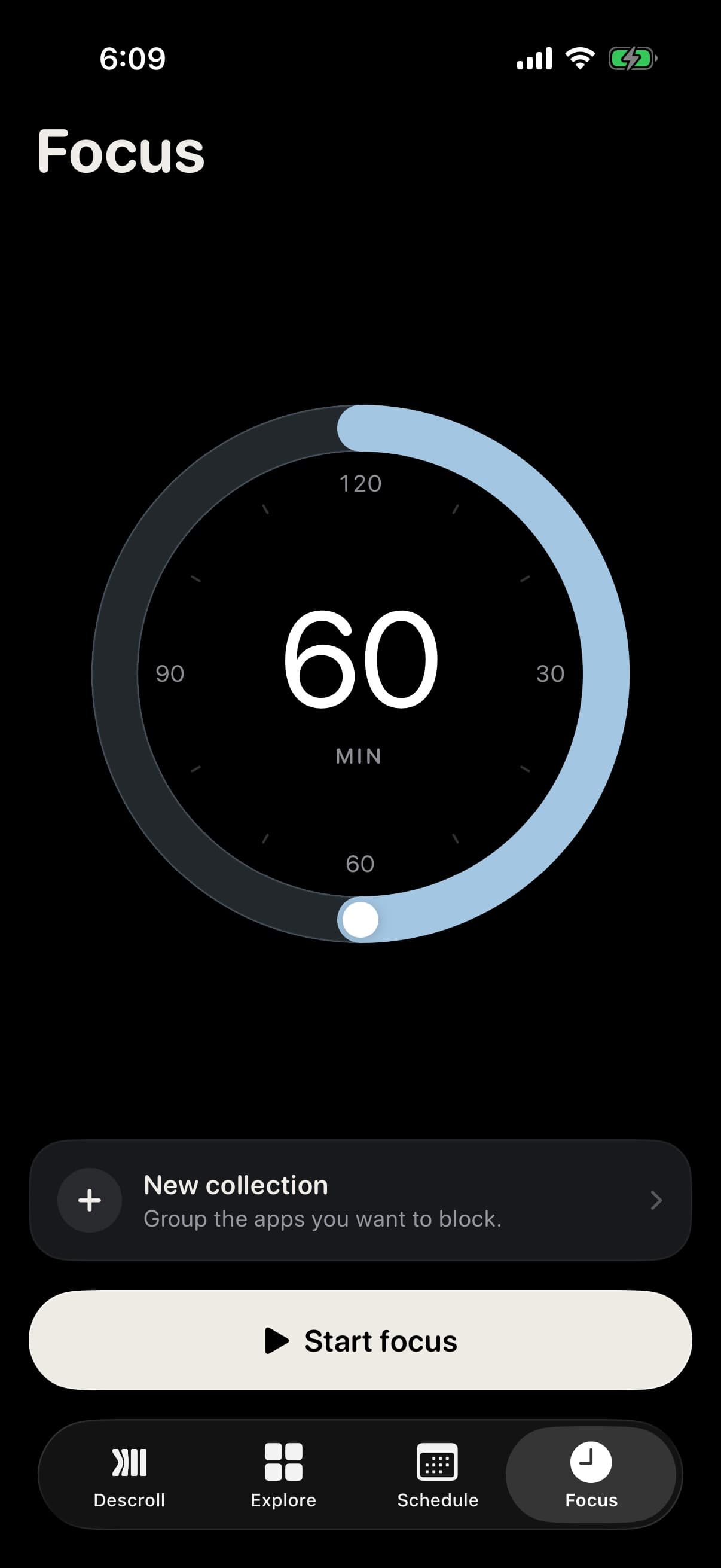
Turn the dial to anything from 5 to 120 minutes and start. Apps stay blocked until it ends.
Put the apps you open most in a collection and give it 20 min a day. Used up, they block until midnight.
Block at work on weekdays, 9 to 5, or on the days and times you choose.
Shifts on your calendar block apps on their own.
Free to start
Block now, one Place and one time block are free. No account, no ads.